
Plugin Cookbook.
Describe the effect you want to hear, and get a plugin running on your MOD device. The Cookbook is a set of instructions the AI assistant of your choice reads to write a MOD plugin for you. No programming needed.
What you need.
Step by step.
- 1Open a conversation with an AI assistant
Use the AI assistant of your choice: Claude, ChatGPT, Gemini or another. It must be one that can open web links.
- 2Send it the cookbook
Paste this link into the conversation. It holds the instructions the assistant follows to write a MOD plugin.
If your assistant can’t open links, paste the text of this prompt instead. Same result.https://github.com/mod-audio/mod-plugin-cookbook - 3Describe the plugin you want
In your own words. The assistant confirms the idea and proposes the details with you: name, category, mono or stereo, and the knobs with their ranges.
- 4Save the .mk file
The assistant writes one file, ending in
.mk. Save it with the exact file name it gives you. - 5Connect your MOD device and open the Builder
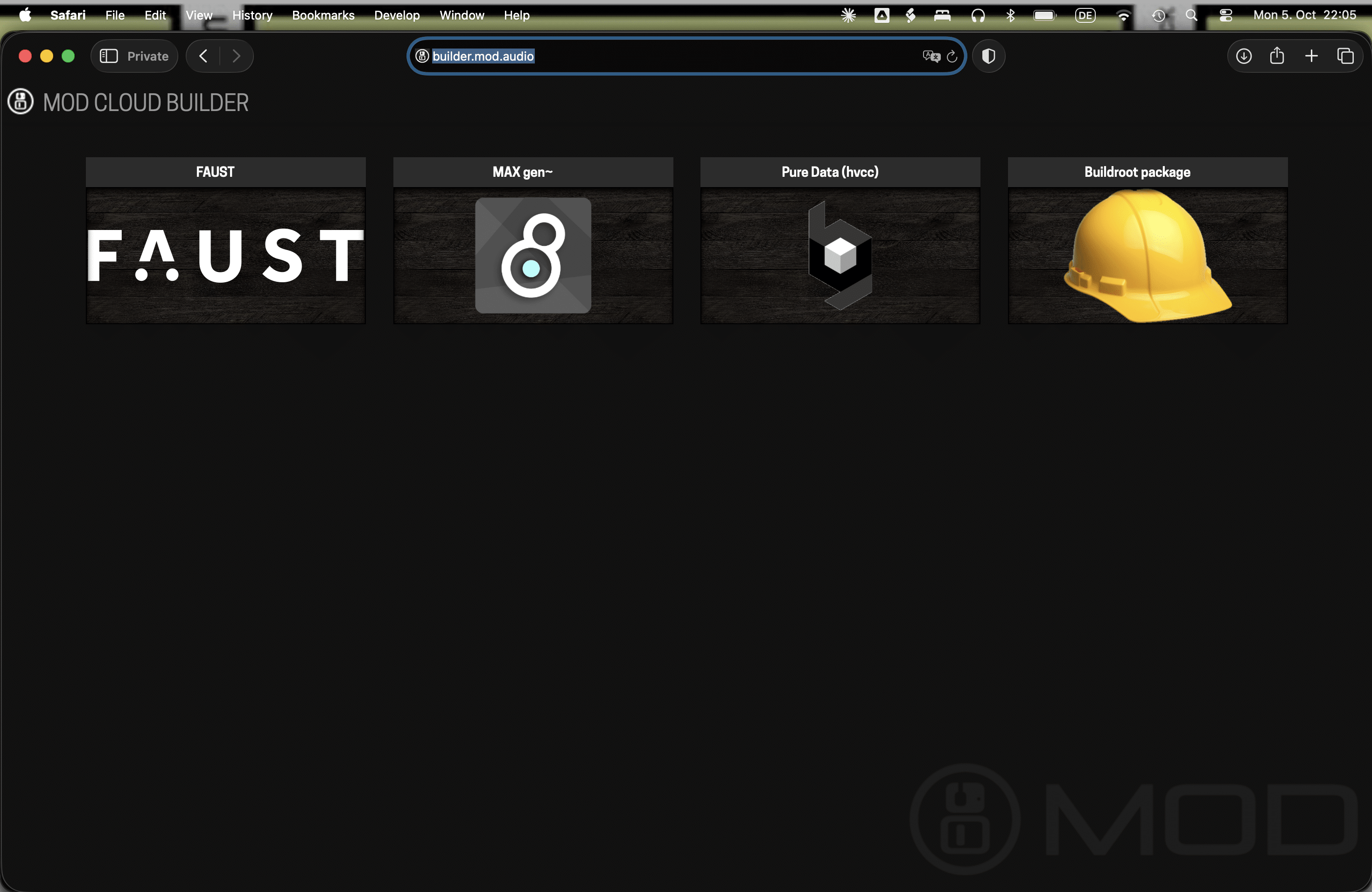
Plug your MOD Dwarf, Duo or Duo X into your computer with the USB cable, and open the MOD Cloud Builder in a desktop browser. If it doesn’t find your device, try Firefox.
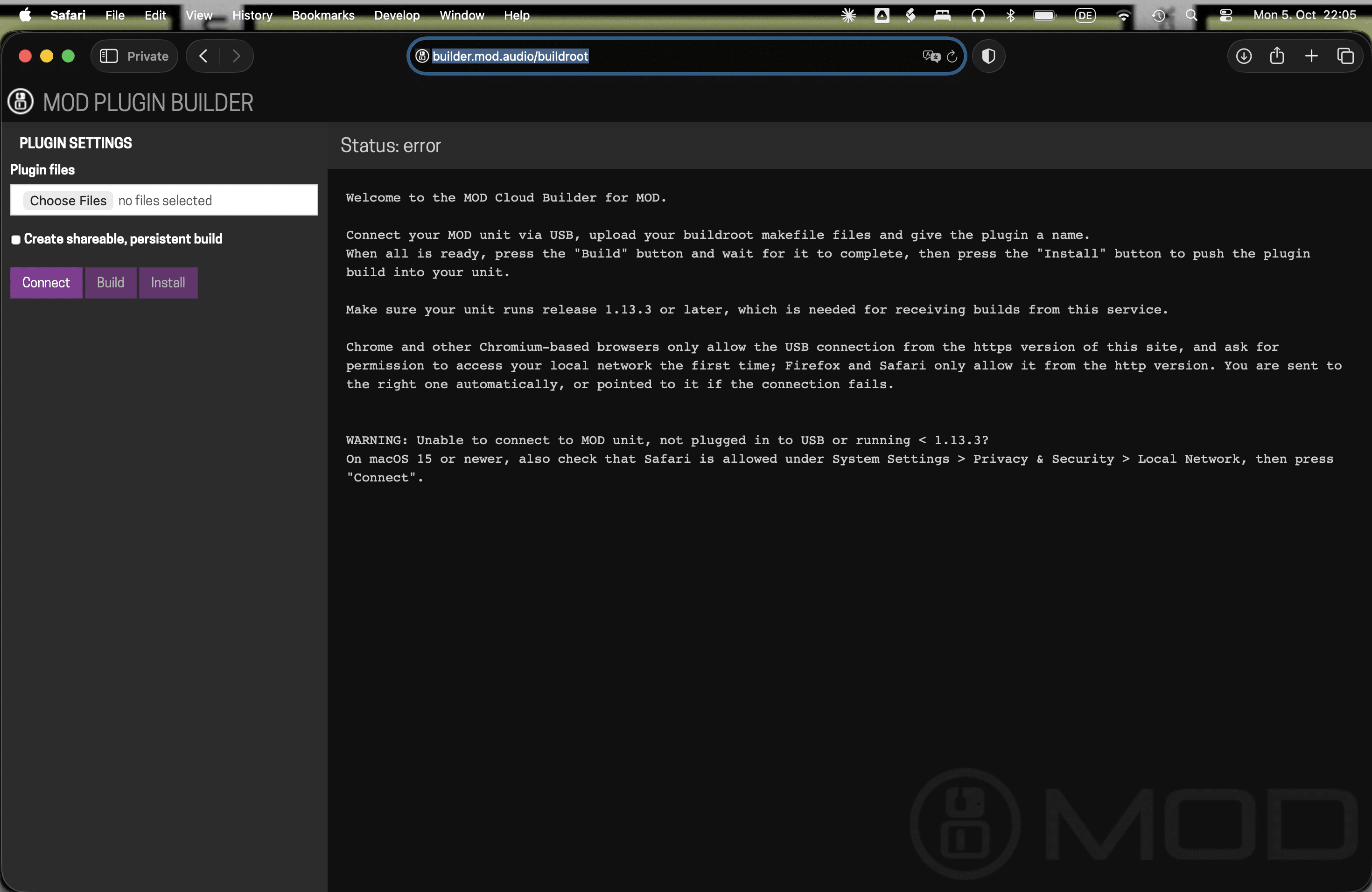
https://builder.mod.audio/buildroot - 6Upload, build, install
Upload the .mk file and start the build. When it’s done, click Install. Tick “shareable persistent link” if you want a link others can use to install it too.
- 7Play it, then refine it
The plugin appears in your device’s web interface, ready for any pedalboard. Judge it by ear and ask the assistant for changes: each change is a new .mk file and a new upload. Two or three rounds usually do it.
What to ask for.
Name a kind of effect, describe a sound, or have an open conversation about sound design. A few ways people start:
Made by the community.
Players are already making their own effects and sharing them on the forum. Some of them, with their makers’ own names:
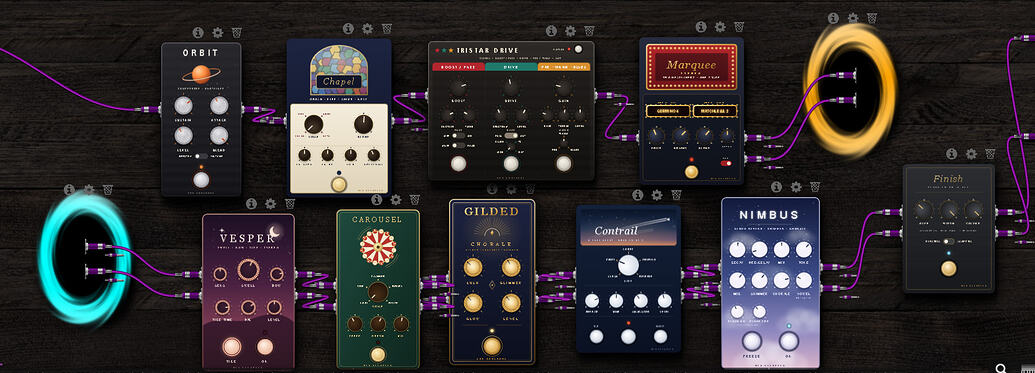
More than a dozen plugins with their own names: Orbit, a compressor and sustainer; Chapel, organ and chime tones; Carousel, a vibe and rotary; Vesper, an auto-swell; Nimbus, a reverb; and Finish, a cleanup EQ.
Read the thread →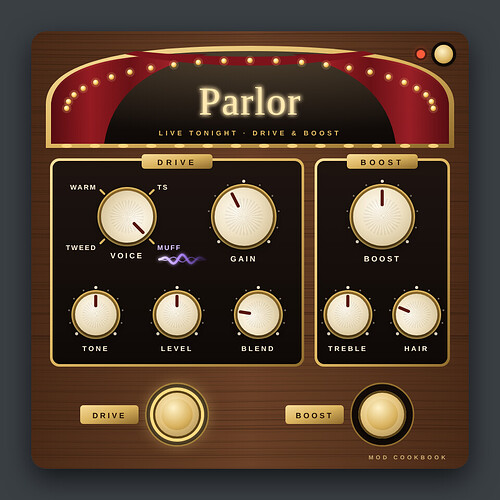
A simple drive with a boost, and a reverb built on the same engine as Nimbus.
Read the thread →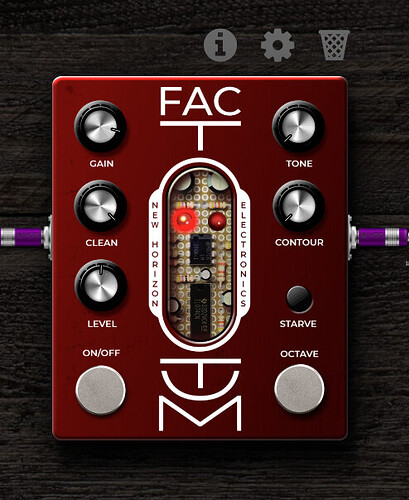
Overdrive, fuzz and a gated splutter, with an octave-up on its own footswitch.
Read the thread →Install it on your device →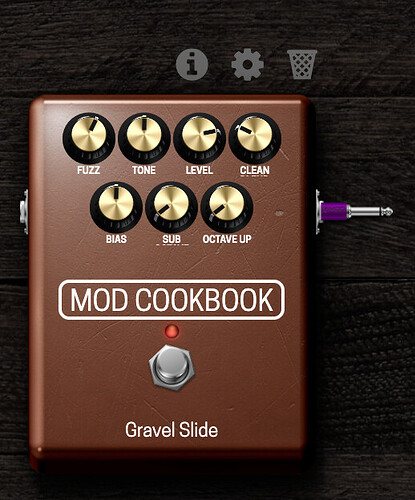
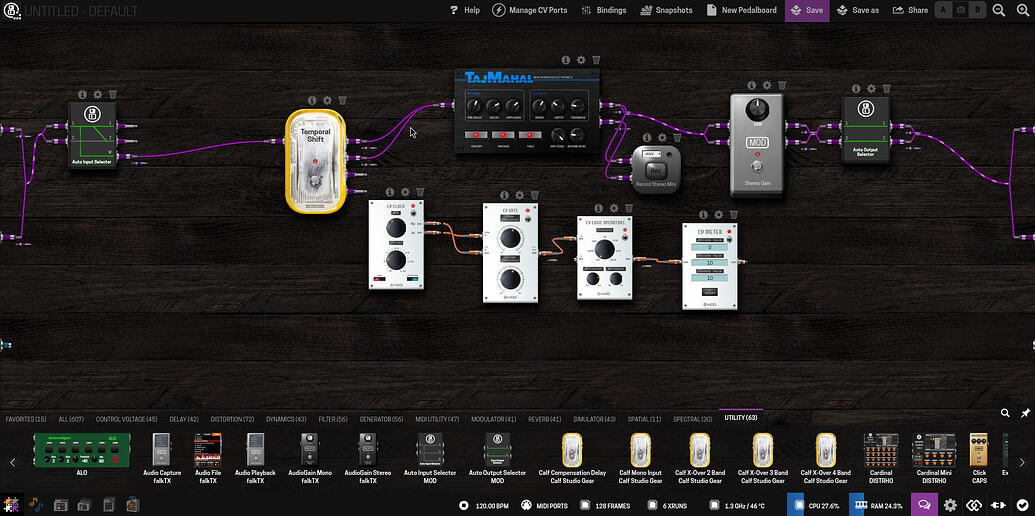
A sustainer: hold a chord and it loops the sustained part, with rise, tail and a tempo-synced tremolo. Here in Andrea Del Signore’s pedalboard.
Read the thread →Install it on your device →One control that moves four or eight parameters at once, through MOD’s control voltage plugins.
Read the thread →- One source file per plugin.
- No external libraries beyond DPF.
- No custom pedal graphics: Cookbook plugins use the standard interface. The pedal faces in some of the examples above were designed separately by their makers.
- A change means regenerating the whole file and uploading it again.
- About 1,000 lines of DSP code is a practical maximum.
Stay in the loop.
New plugins, MOD OS releases and what the community is building, by email.