
MOD Desktop · free beta
Try MOD on your computer. Free.
MOD Desktop runs the same interface as MOD devices on Windows, macOS and Linux, standalone or as a VST, CLAP, AU or LV2 plugin in your DAW. It is a free, open-source beta with a subset of the platform.
StandaloneVSTCLAPAULV2
Windows · macOS · Linux
What you can do in it.
What it doesn’t do yet.
MOD Desktop is a beta. It has no Plugin Shop, so commercial plugins are not available in it, and no pedalboard sharing or cloud features. Buttons for features it doesn’t have yet show you what they do on a MOD device.
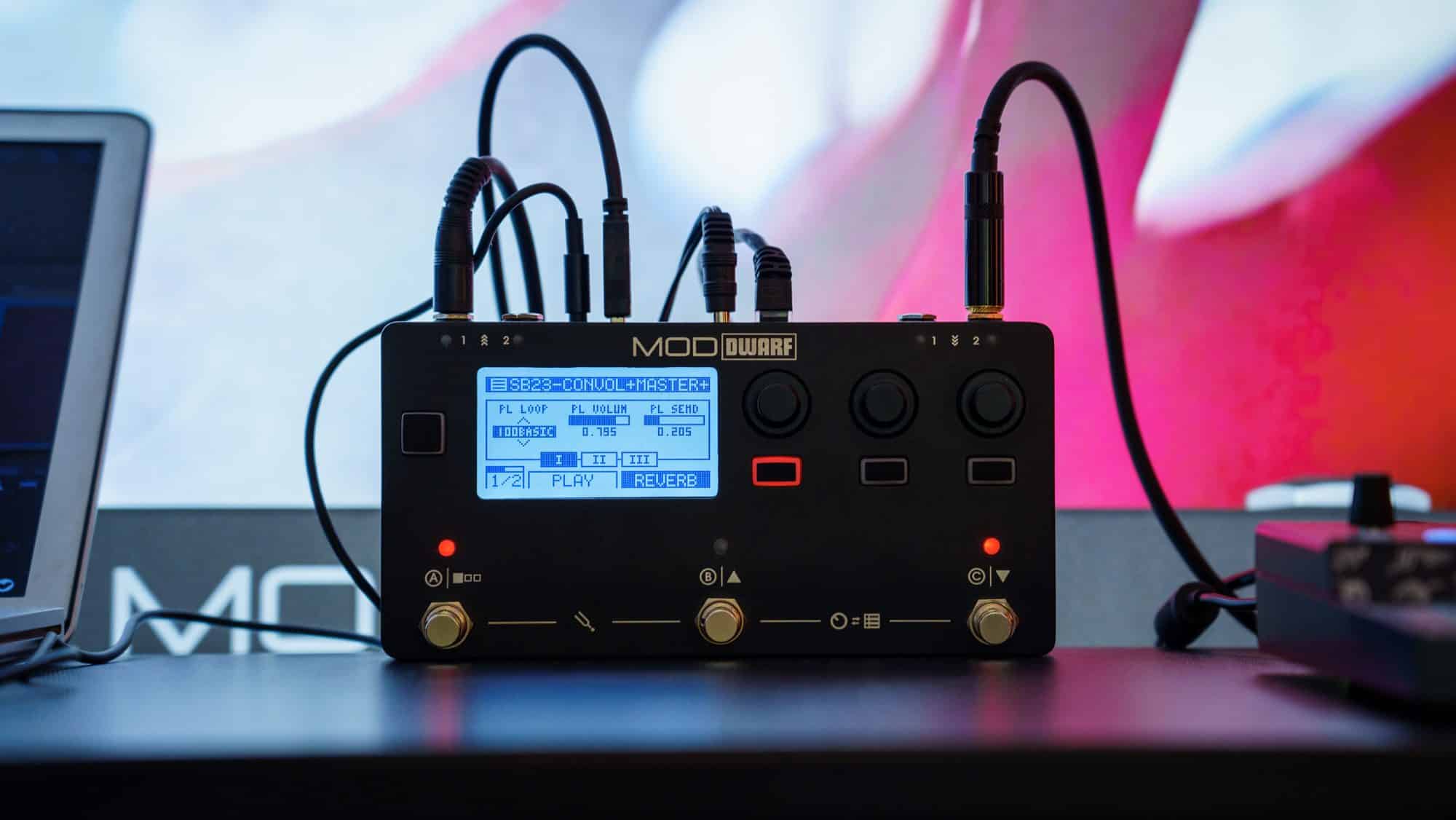
When you want it on stage
The MOD Dwarf.
Everything you built on your computer, in a rugged pedal with footswitches and knobs, plus every plugin in the Plugin Shop. No computer needed on stage.
Download MOD Desktop.
Free and open source, for Windows, macOS and Linux. The installers are on GitHub.
- Windows
- Windows 10 or later, 64-bit
- macOS
- macOS 10.13 or later
- Linux
- Most major distributions, x86_64
- Computer
- Dual-core 2 GHz CPU, 4 GB RAM, about 300 MB of disk
What’s new in this release → Report an issue → Join the forum →
Stay in the loop.
Get notified about MOD Desktop updates and milestones.